
How to send WhatsApp messages without saving the number

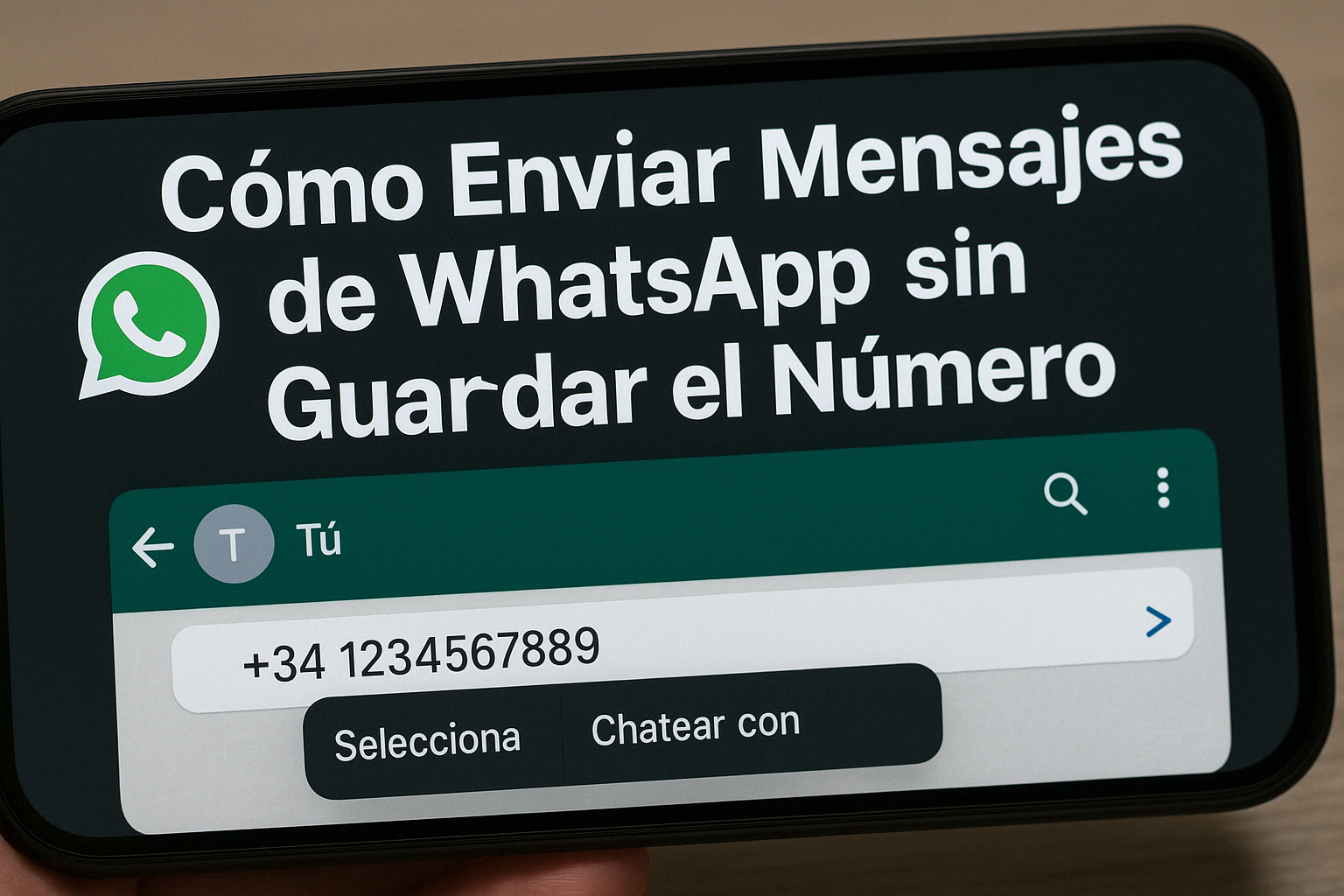
Have you ever needed to send a WhatsApp message to someone without adding their number to your contact list? Whether it’s for one-off communications, customer service, or simply to keep your schedule organized, there are several ways to do this easily and efficiently.
Why Send Messages Without Saving the Number?
- Avoid filling up your schedule with temporary contacts.
- Save time on one-off communications.
- It enhances privacy, especially in business or customer service interactions.
Ways to Send Messages Without Saving the Number
1. Use the Search Feature in WhatsApp
WhatsApp has added a feature that lets you start chats with unsaved numbers directly from the app.
Steps:
- Open WhatsApp and go to the Chats tab.
- Tap the "New Chat" button (message icon).
- In the search bar, enter the full phone number, including the country code (for example, +34 for Spain).
- If the number is registered on WhatsApp, it will appear in the results. Tap "Chat" to start the conversation.
2. Use the wa.me link
WhatsApp offers a feature called "Click to Chat" that lets you start conversations without saving the number.
Steps:
- Open the browser on your device.
- Type the following into the address bar:
https://wa.me/followed by the phone number with the country code, without any "+" signs or spaces. For example:https://wa.me/34000555444. - Press Enter.
- A page will open with a "Continue to chat" button.
- When you tap it, WhatsApp will open with a new chat with that number.
3. From a WhatsApp group
If you're in a group with the person you want to message, you can start a conversation with them right away.
Steps:
- Open the shared WhatsApp group.
- Tap the group name to view the list of participants.
- Find the number you want and tap it.
- Select "Message" to start a private conversation.
4. Use Third-Party Apps
There are apps that make this process easier, especially on Android.
- Click to Chat: Lets you start chats without saving the number.
- Easy Message: Provides a simple interface for sending messages to numbers not saved in your contacts.
- Wassapeame: Designed to send messages without adding contacts, keeping your address book clean.
Note: Be sure to download apps from trusted sources and review the permissions they request.
5. Using Shortcuts on iOS
iPhone users can create shortcuts to make this process easier.
Steps:
- Open the "Shortcuts" app on your iPhone.
- Create a new shortcut using the URL
https://wa.me/followed by the desired number. - When you run the shortcut, WhatsApp will open with a new chat for that number.
6. Use the WhatsApp Business API (For Businesses)
For businesses that need to send messages to multiple customers without saving their phone numbers, the WhatsApp Business API is an effective solution.
Advantages:
- It allows you to send messages on a large scale.
- It offers automation and analytics tools.
- Improve customer service efficiency.
Note: Use of the API requires approval from WhatsApp and may incur additional costs.
Safety Tips
- Avoid sharing sensitive information with unknown numbers.
- Use official methods whenever possible.
- Check the permissions of third-party apps before installing them.
Sending WhatsApp messages without saving the number is a useful feature that can make communication easier in a variety of situations. Whether for personal or professional use, these methods will help you keep your contacts organized and communicate efficiently.
If you found this guide helpful, share it with your friends and family and help them discover these handy WhatsApp features.














 Special People and Dates